
TimeSlicer
Capture the shimmer of time
SlitScan video recorder.

Overview
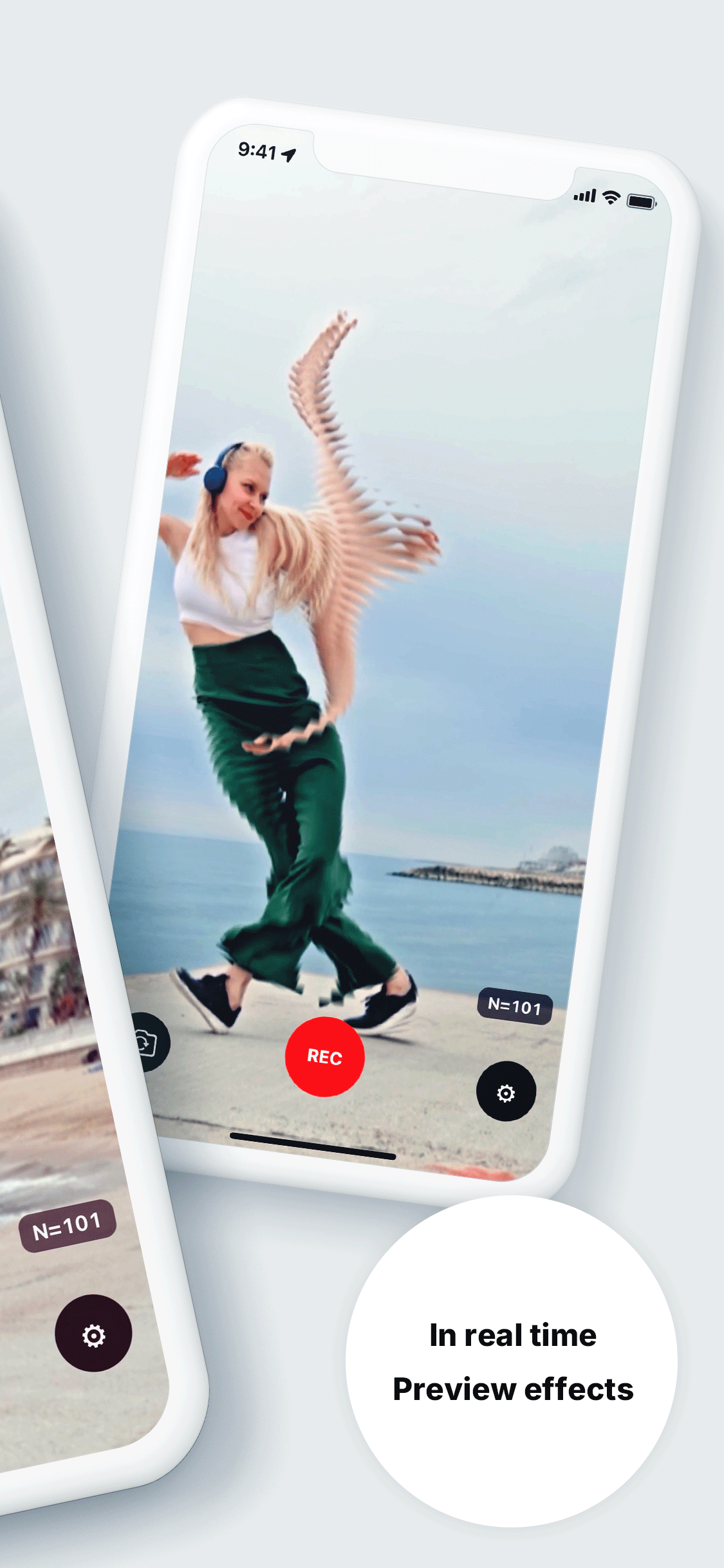
TimeSlicer slices time into thin strips and layers them continuously to visualize time itself.
The more subjects move, the more time bands flow into patterns, turning cityscapes, gestures, and light trails into art.
With real-time preview during capture, the work is born the moment you shoot.
SlitScan features
- Real-time recording. Continuously compose thin strips and record them as video.
- Shimmer over time. Render motion and rhythm as a unique temporal shimmer.
- Front/Rear camera support. Flexible for selfies and scenery alike.
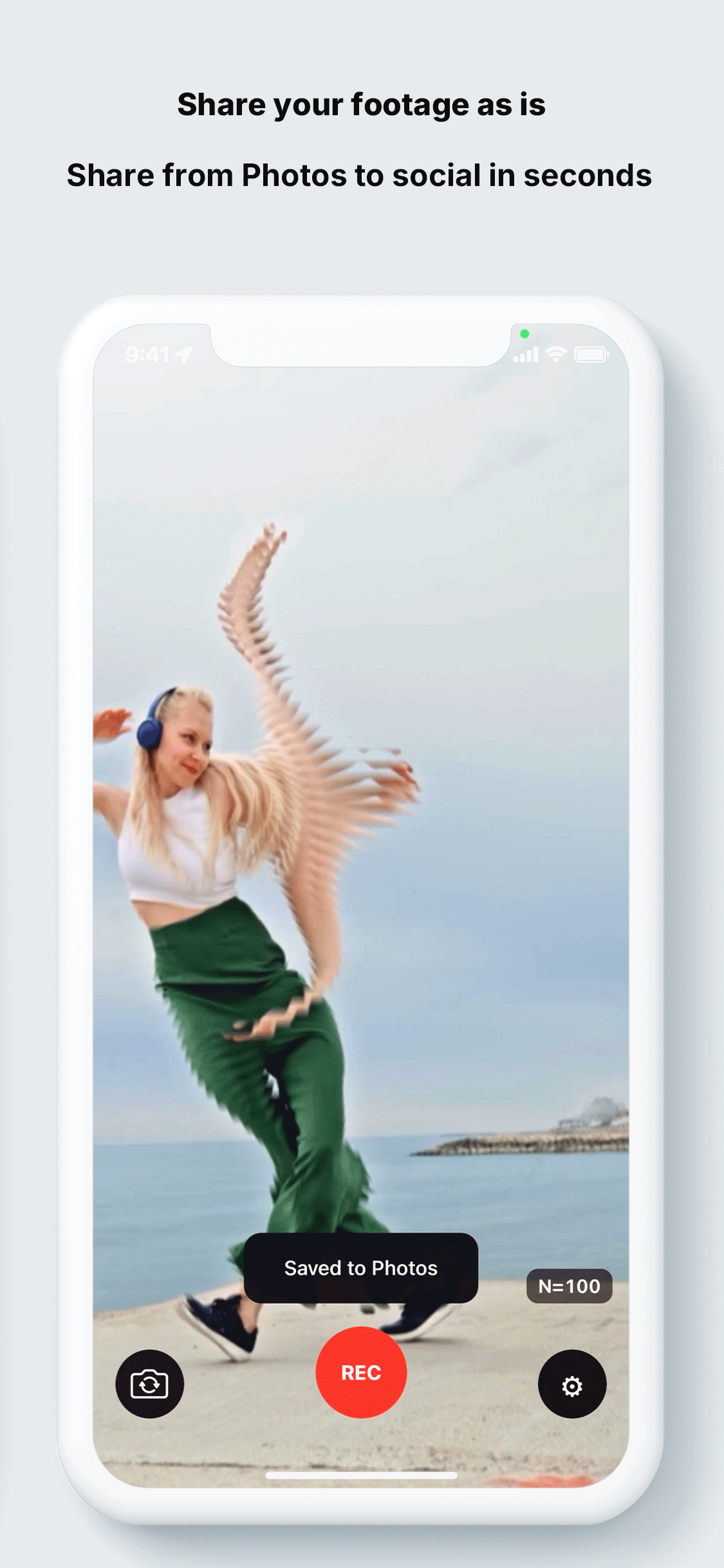
- Save as video. Export directly for creative work or social media.
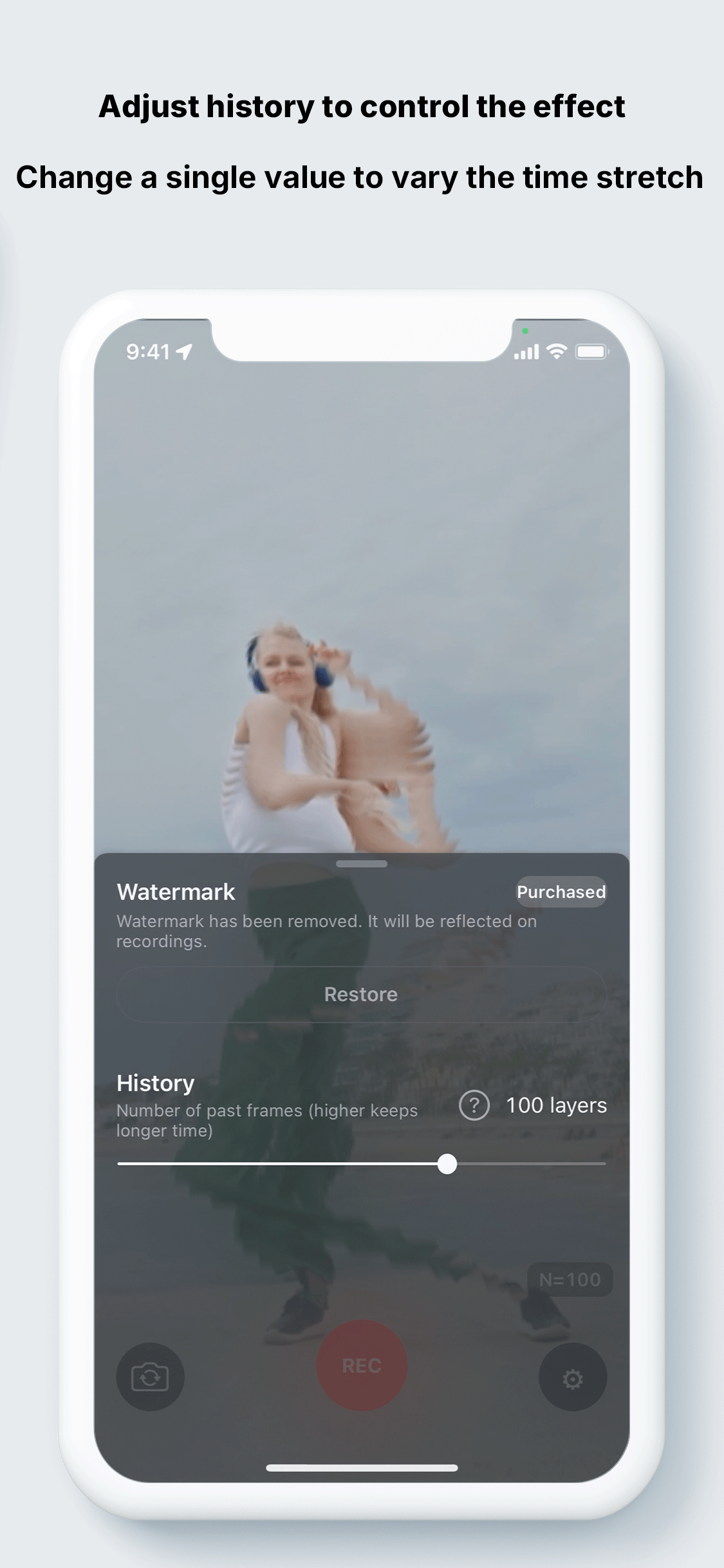
- Intuitive controls. Control effect length instantly with the "History" slider.
- Fast 64-bit processing. GPU rendering enables smooth preview and recording.
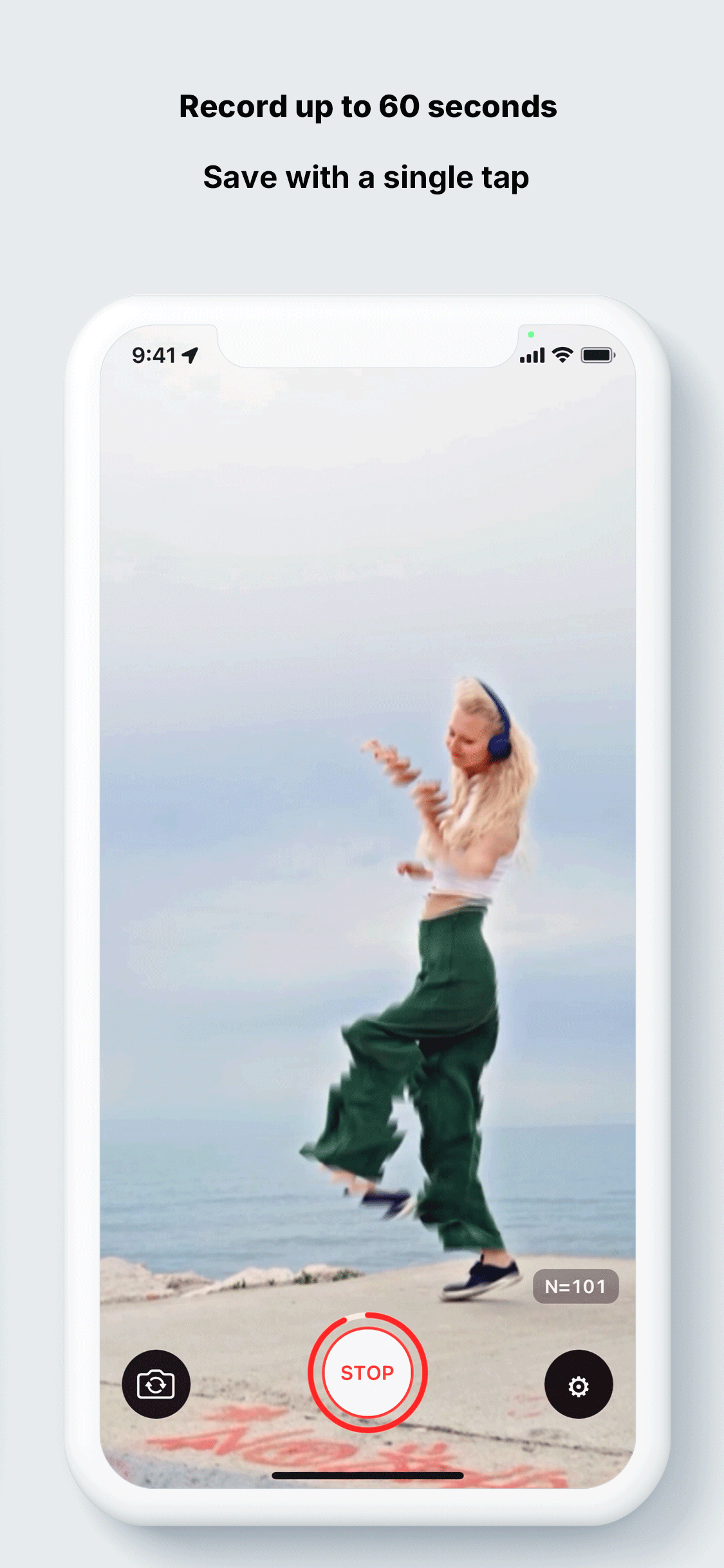
- One-tap recording. Simple REC/STOP UI. Supports up to 60 seconds.
- Minimal HUD. Compact history display that stays out of the way.
How to use
- Open the app to see the live preview.
- Open "Controls" from the gear icon and adjust "History" to set the effect length.
Move the subject or pan the camera to create patterns. - Press REC to start. Press STOP and it saves to the photo library automatically.
Screenshots

Use cases
- Turn running or dancing trails into temporal lines.
- Express the speed of trains or cars as a single band.
- Depict flows of people, clouds, or water as shimmer.
- Show facial or gesture changes continuously.
- Smoothly trace neon and light trails.
Tips
- Higher "History" makes longer flow; lower makes shapes sharper.
- Continuous motions like walking, turning, or waving cloth/lights create richer patterns.
- Panning at a steady speed makes striped backgrounds; keeping the camera fixed emphasizes subject deformation.
FAQs
What is SlitScan?
A capture method that continuously samples a thin vertical or horizontal strip and expresses temporal change as spatial lines.
TimeSlicer composes these strips in temporal order, rendering motion and rhythm as a single trajectory.
What OS and environment are supported?
Supports iOS 15 or later. See the App Store or this page for the latest details.
How long and what resolution?
Up to 60 seconds. Resolution is auto-adjusted by device performance and settings. All processing is on-device for smooth preview and high-quality export.
Is audio recorded?
The initial release focuses on visuals and does not record audio. Future updates plan support for audio and external sources.
Where are recordings saved?
Recorded videos are automatically saved to the device's photo library (Photos app), and can be shared or edited.
Art background
TimeSlicer is inspired by artist Toshio Iwai’s work “Marshmallow Scope.”
Based on a 2008 media installation, optimized as an iOS app you can freely play with.
Anyone can now experience the design of time in the palm of their hand.