StillFlow icon

Generative Particle Camera.

StillFlow

Create moving visuals with geometric particles.

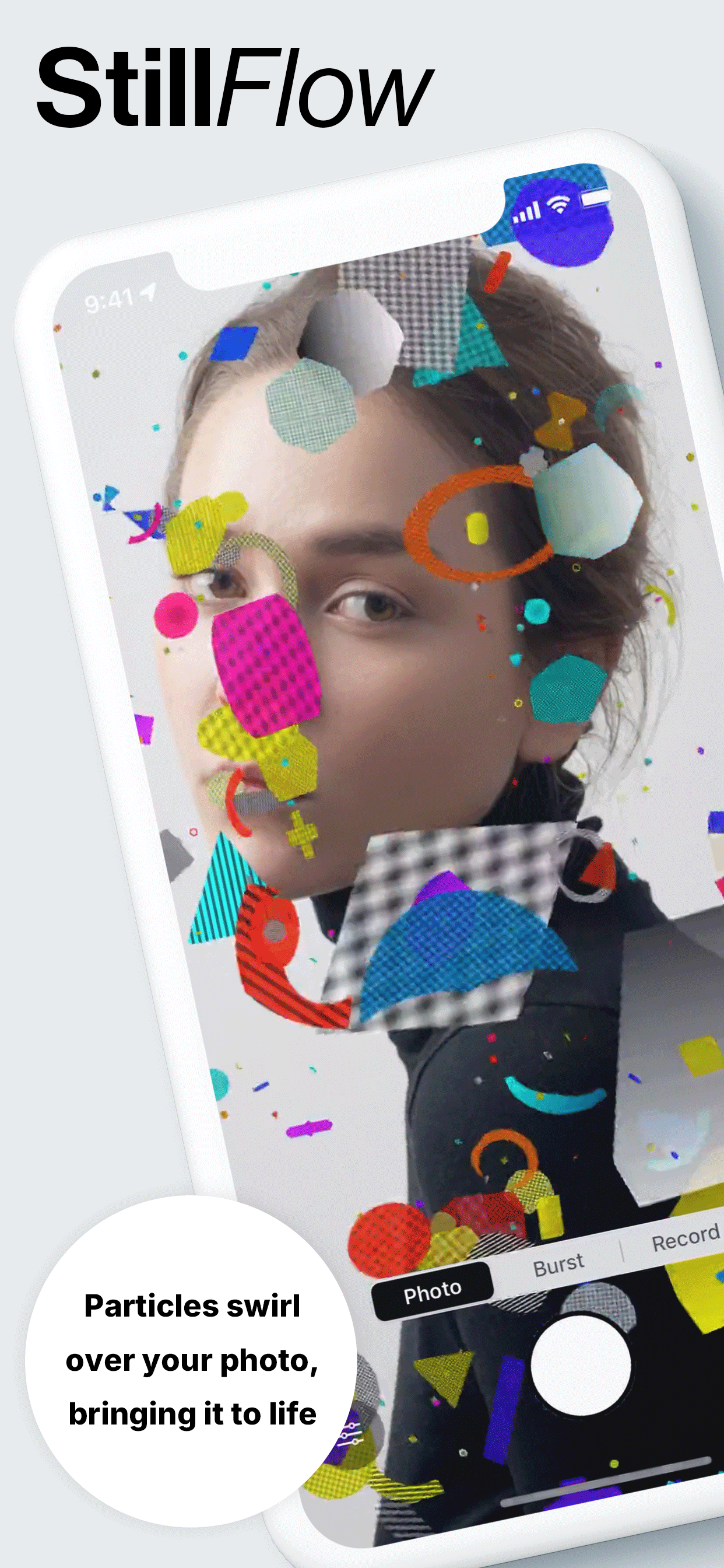
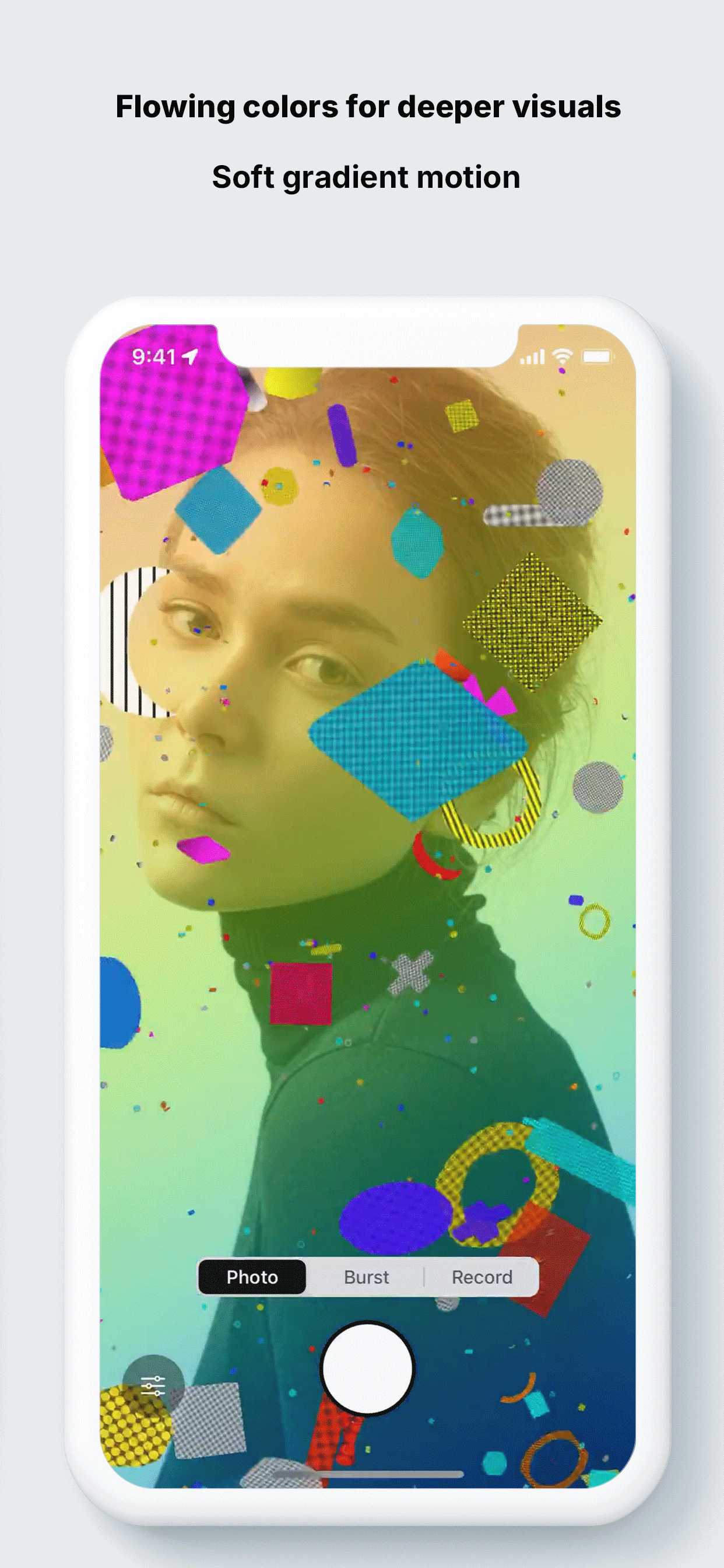
Particles avoid or gather around faces without breaking the photo; switch single, burst, and video instantly.

Face-aware particles Single / Burst / Video Metal GPU pipeline Gradient & monochrome controls

Geometric particles that avoid or gather around faces turn photos into moving visuals. Single, burst, and video with intuitive controls.

CORE

Design pillars

Keep the photo's mood while face detection and geometric particles create moving visuals.

Face-aware control (avoid / gather / mix)

Detect faces with Vision and route particle behavior around the subject.

  • Fine-tune radius, strength, and spawn ratio with sliders.
  • Toggle avoiding the subject or pulling particles in to highlight it.
Geometric particles & backgrounds

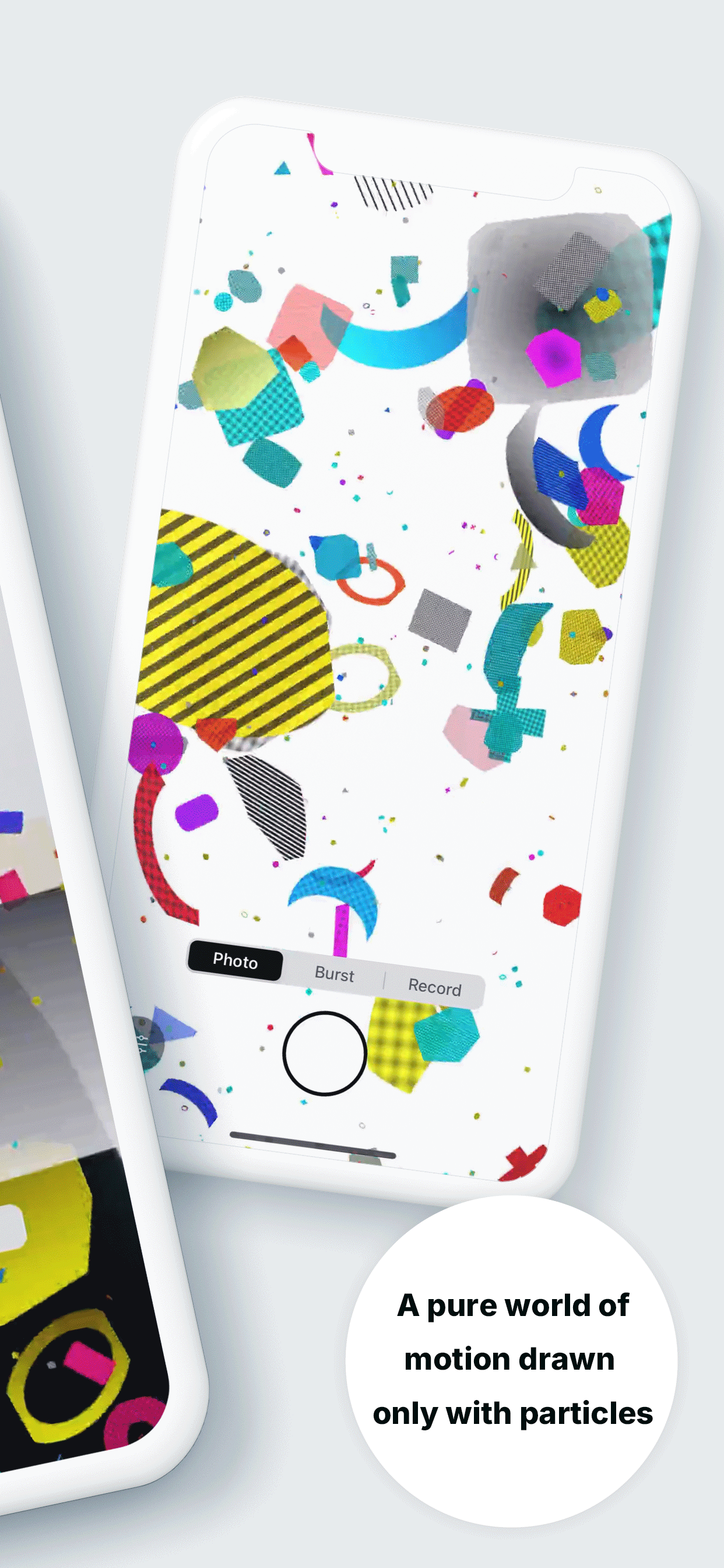
Shapes like circles, capsules, polygons, diamonds plus check/stripe/dot/gradient patterns.

  • Adjust count, density, brightness, additive blend, zoom, and motion chaos in real time.
  • Gradient modes: linear / radial / angular with speed, saturation, and intensity.
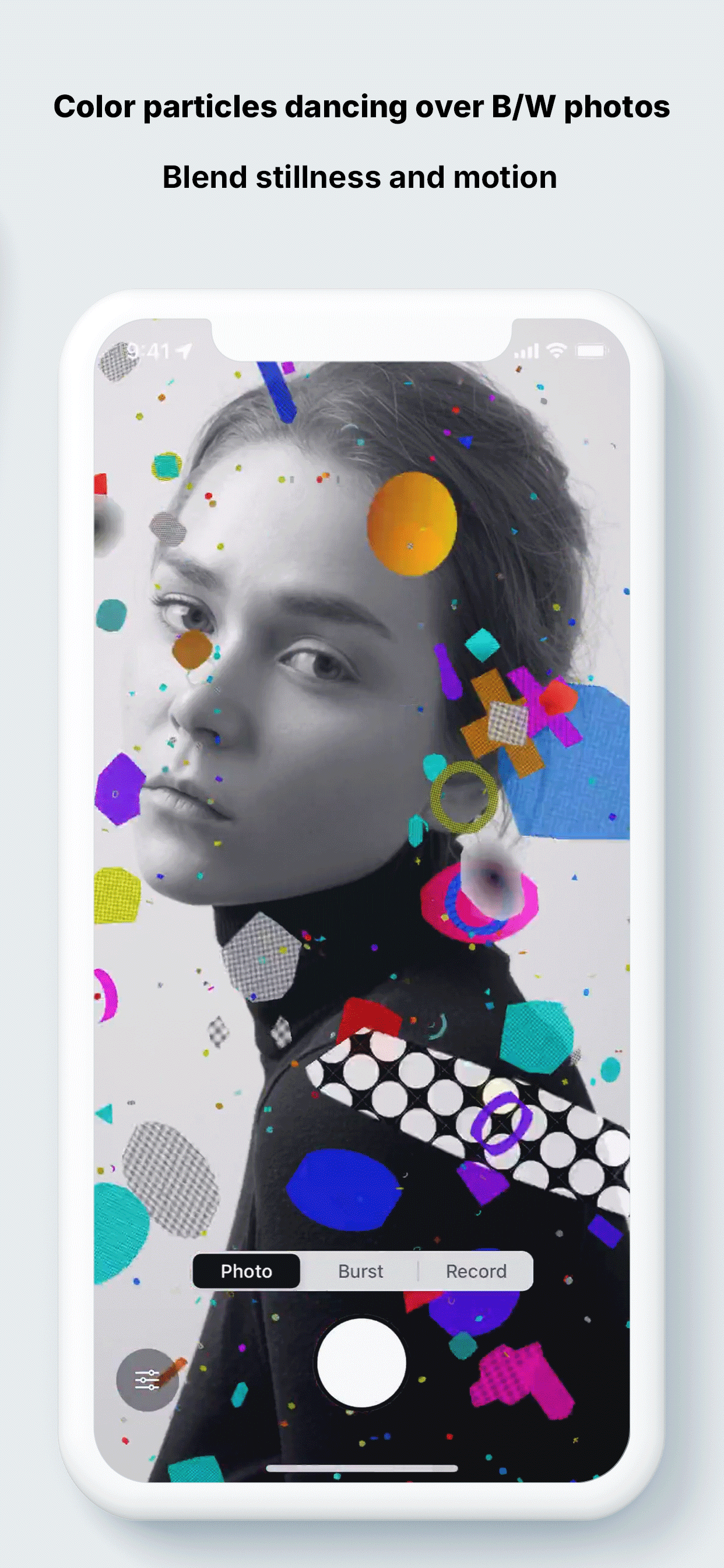
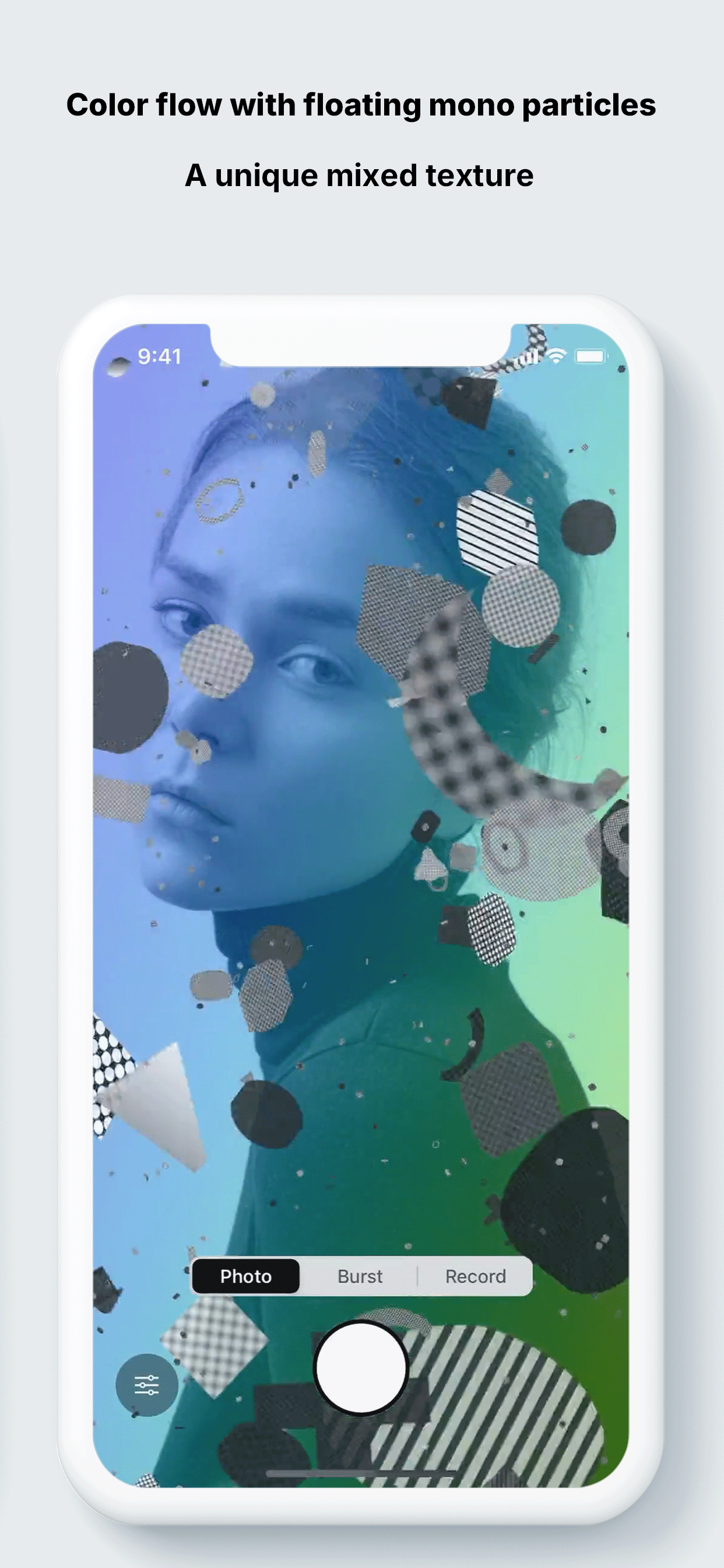
  • Monochrome particles and background desaturation toggles keep the photo intact.

Import that preserves photos

Safely load JPEG/HEIC with orientation fix, sRGB normalize, and large-image downscale.

  • Prep color space before layering particles.
  • Auto-optimize up to ~8192px so the GPU stays stable.

CAPTURE

Tap once for single, burst, or video

Save with the same look as preview; pick takes from the grid or full-screen preview.

Single

Save the current frame as-is for an instant still.

Burst

Capture continuous frames and pick your favorites from the grid.

Video

Export full-screen video matching the preview to share the exact look.

Modern control

  • Minimal bottom sheet opens from the bottom-left trigger; swipe between Basic and Face tabs.
  • Sliders sit low and evenly spaced for easy thumb reach.
  • Save toast stays clear of the capture mode indicator.

GALLERY

Screenshots

Show face modes, particles, and backgrounds with the same feel as preview.

ENGINEERING

Quality & performance

GPU particles plus face detection for smooth ~30fps preview and high-quality output.

Metal-based single offscreen render with GPU blit keeps preview and recording identical.

Auto LOD adjusts particle count in real time for a smooth ~30fps experience.

AVAssetWriter outputs H.264 High bt709 to avoid black frames and bars.

Face rectangles from Vision go to shaders via vertex buffers to avoid/attract/spawn purely on GPU.

Reliability checkpoints

  • GPU-first pipeline; GPU blits keep recording free of black frames or bars.
  • Auto-optimizes large photos (up to ~8192px class) for safe rendering.
  • Auto LOD adjusts particle count to device performance for smooth preview.

FLOW

How it works

  1. 1Import a photo (orientation and color normalized automatically).
  2. 2Adjust particles and background (monochrome/additive toggles).
  3. 3Save as single or burst, or record video.
  4. 4Set Face mode to “Gather” to pull particles to the subject outline.

FOR

Who it's for

  • Creators and social posters who want photos to become moving designs.
  • People exploring subject-friendly generative expressions.
  • Users who want high-quality previews and exports without heavy editing.

FREE vs PRO

Free vs Pro

Free

  • Background gradient and monochrome particles are preview-only for Free.
  • Exports include a watermark.
  • Recording up to ~720p / 15s; burst up to 5 frames; particle caps Max=220 / density=0.6.

Pro unlock

  • Apply gradients and monochrome particles to exports with no watermark.
  • Remove the 15s limit; record longer in ~1080p class.
  • Unlock particle caps to Max=400 / density=1.0 for richer looks.

POLICY

Permissions & compatibility

  • Photo Library: used for reading and saving (NSPhotoLibraryUsageDescription / NSPhotoLibraryAddUsageDescription).
  • No data is sent off-device.
  • iOS 15 or later recommended (Metal-capable devices).
  • HDR/HEIF are normalized to sRGB internally.

TIPS

Pro tips

  • Lower “Gather” strength and raise spawn ratio to wrap the subject with flowing bands.
  • Monochrome particles over a color background give high contrast.
  • Record in a vertical ~1080×1920 frame for social-friendly compositions.